How to Get Verified on Spotify: Complete Artist Guide

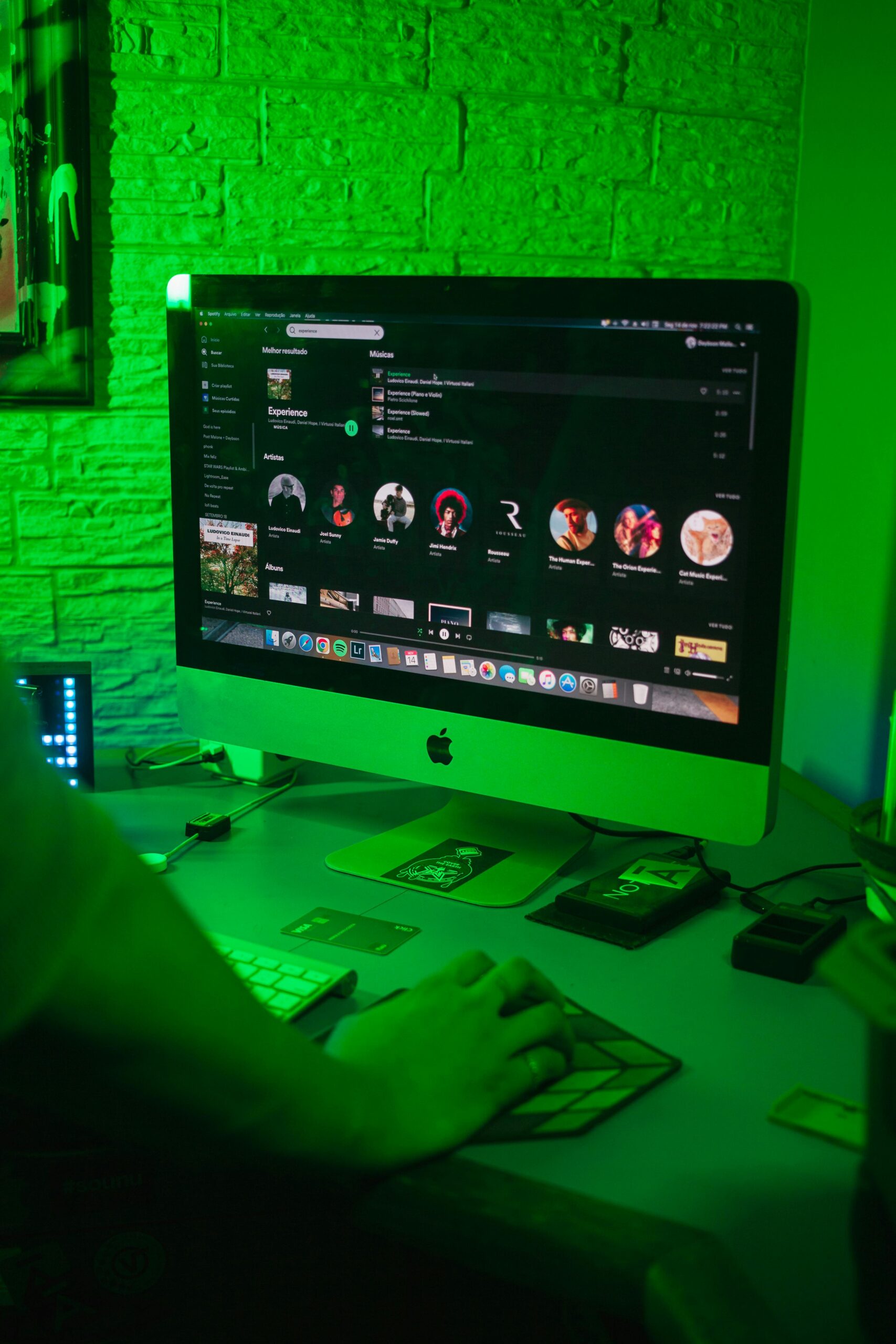
If you’re wondering how to get verified on Spotify, the good news is that the process is straightforward and open to all artists with music on the platform. Verification gives you that recognizable blue checkmark, but more importantly, it unlocks powerful tools within Spotify for Artists to help you grow your fanbase, analyze performance, and market your music professionally. This detailed guide will show you step by step how to get verified on Spotify, explain what verification really means, and highlight the benefits it brings to your music career. What Does Spotify Verification Mean? Spotify verification is more than just a status symbol. When you see a blue checkmark on an artist’s profile, it confirms that Spotify recognizes the account as official. But the checkmark also opens doors to valuable resources through Spotify for Artists. With verification, you can: Edit your Spotify bio, photos, and profile visuals. Pitch your upcoming releases to Spotify editorial playlists. Access detailed analytics on streams, listeners, and demographics. Promote music and gigs using tools like Artist Pick. In short, Spotify verification gives you credibility and professional-grade tools to build your brand and reach more fans. How to Get Verified on Spotify (Step-by-Step) The process is simple, and anyone with music on Spotify can apply. Follow these steps: Step 1: Sign in to Spotify for Artists to Start Verification Go to Spotify for Artists and click Get Access. Make sure you already have music live on Spotify through your distributor before applying. Step 2: Choose Your Role for Spotify Verification Select whether you are an artist, manager, or label team member. This…
Apple Music Pay Per Stream: How Much Do Artists Earn in 2025?

If you’re releasing music, understanding how Apple Music pay per stream works is crucial for planning your income. Streaming royalties are now the primary source of revenue for many independent artists, and Apple Music is one of the leading platforms in this space. But how much does Apple Music really pay per stream in 2025? And how does it compare to Spotify and other platforms? Let’s dive deep. How Much Does Apple Music Pay Per Stream in 2025? On average, Apple Music pays around $0.01 per stream. That means 100 streams could earn you about $1, and 100,000 streams could bring in roughly $1,000. So, it’s important to understand that this figure is an average payout. The exact amount varies based on factors like listener location and subscription plan. For instance, streams from premium subscribers in the United States generally generate higher royalties than streams from free trials or discounted bundles. Apple Music Royalty Estimator While there’s no official royalty calculator from Apple Music, artists often use payout estimators to predict their potential income. Here’s a quick example: 10,000 streams ≈ $100 100,000 streams ≈ $1,000 1 million streams ≈ $10,000 These numbers are estimates, but they show how Apple Music pay per stream can scale with your fanbase. Apple Music vs. Spotify: Who Pays More Per Stream? One of the biggest debates in music streaming is Apple Music vs. Spotify payouts. Apple Music: Around $0.01 per stream Spotify: Around $0.003–$0.005 per stream That means Apple Music typically pays about double what Spotify pays per stream. However, Spotify has over 600 million users worldwide, while Apple…

How to Claim & Edit Your Deezer Artist Profile

If you’re an independent musician or part of a band, taking control of your music on streaming platforms is essential. Start by claiming and editing your Deezer artist profile. When you claim & edit your Deezer artist profile, you actively ensure that your music represents you accurately. You also gain access to powerful tools to engage with fans, track your performance, and showcase your brand. This guide walks you step by step through how to claim & edit your Deezer artist profile, so your music stands out in the crowded streaming landscape. Millions of music enthusiasts prefer Deezer over other well-known platforms such as Spotify and Amazon Music, making it essential to comprehend how fans engage with your music on this service. Deezer for Creators is Deezer's equivalent to Spotify for Artists and Apple Music for Artists. This service equips artists and labels with the necessary tools to modify their profiles and access listener data, which is crucial for planning effective marketing strategies. So, how can you access Deezer for Creators? And what is the process? Let us explore further. How to get verified on Deezer According to the team at Deezer, Deezer for Creators provides artists releasing music on the platform with four primary advantages: Before we proceed to the steps for submitting your Deezer verification request, let us first discuss what Deezer for Creators is, how it operates, and the benefits it offers for you and your music. What is Deezer for Creators? 1. "Show the world who you are" - As a registered Deezer Creator, you will have the ability to personalize your…

Music Release Formats: History & How to Choose the Best One

The evolution of music release formats has shaped how audiences experience music over the decades. From singles to full-length albums and DJ mixes, each format serves a unique purpose for artists and listeners alike. Understanding these formats is essential for musicians aiming to release music strategically and for fans who want to appreciate the artistry behind each type. Singles: The Original Music Format Singles are among the oldest music formats, originating in the late 19th century when phonograph cylinders played individual tracks. By the 1940s, the 78 RPM record had become the standard, featuring a single song on each side. The introduction of the 7-inch vinyl single in 1949 solidified the modern single format. Often paired with a B-side, singles allowed artists to experiment and promote albums effectively. In today’s digital era, singles remain a crucial tool for connecting with audiences and generating excitement. Streaming platforms enable artists to release singles more frequently, maintain visibility, and increase playlist placements. Singles are perfect for testing new sounds, building hype for upcoming albums, or keeping fans engaged between larger releases. Extended Plays (EPs): Popular Music Release Format Extended Plays, or EPs, emerged in the 1950s as a way to offer more music than a single without the commitment of a full album. Typically containing 3 to 6 tracks and lasting under 30 minutes, EPs are ideal for artists with growing discographies or limited material. During the 1980s and 1990s, EPs became popular among punk, indie, and alternative bands as a cost-effective method for releasing music. Today, both emerging and established artists use EPs to experiment with new styles,…

Best Music Distributors for Dance and Electronic Music in 2025

In today’s digital-first music industry, choosing the best music distributors is essential to ensure your tracks reach global audiences and generate revenue. Moreover, a good distributor not only ensures your tracks are available on all major channels but also helps you collect royalties, track performance, and maximize revenue. Music distribution is the process of delivering your songs to streaming platforms, online stores, and digital marketplaces like Spotify, Apple Music, Beatport, and YouTube. Without a distributor, your tracks may never make it into the playlists, charts, or festivals where fans discover new music. However, a good distributor not only ensures your tracks are available on all major channels but also helps you collect royalties, track performance, and maximize revenue. For electronic and dance artists, where streaming numbers, playlist placements, and DJ support can make or break a track, choosing the best music distributors is essential. The right distribution platform allows you to: Reach a global audience instantly without relying on physical sales. Retain control over your music rights and royalties, ensuring you’re paid fairly for streams and downloads. Gain access to additional tools and services such as playlist pitching, promotional support, and analytics. Build your brand and fanbase by making your music discoverable across multiple platforms simultaneously. Recently, most distributors focus on digital distribution, though some also support physical formats like vinyl or CDs. For dance and electronic producers, choosing the right distributor can determine how well your music performs globally. With the variety of distributors available today, from CD Baby and TuneCore to electronic-focused platforms like dig dis! and LabelWorx, knowing which one aligns with your…