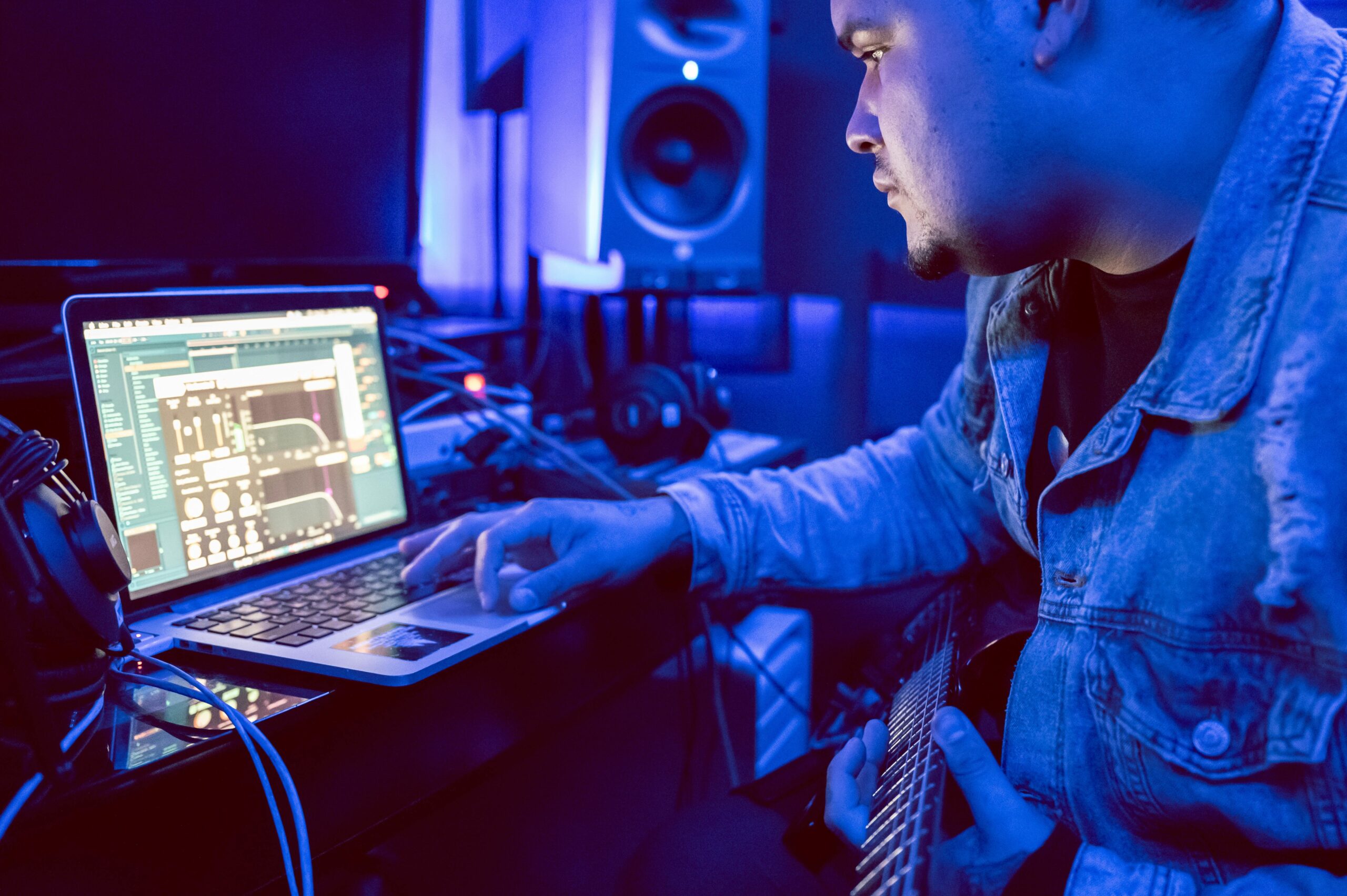
Best DAW for Windows and Mac
Choosing the best DAW for Windows and Mac is one of the most important decisions you’ll make as a music producer. Your DAW (Digital Audio Workstation) is the central hub where you record, edit, mix, and master your tracks. If you’re searching for the best digital audio workstations for Windows and Mac in 2025, you’ve Top Features of the Best Digital Audio Workstations for Windows and Mac in 2025 When choosing the best digital audio workstations for Windows and Mac, certain features can make a big difference in workflow and productivity. Key features to look for include: Multitrack recording: Record vocals, instruments, and effects seamlessly. MIDI support: Connect external synths and controllers for dynamic performances. Built-in plugins and effects: Add reverb, delay, compression, EQ, and virtual instruments without additional software. Export and cloud options: Move projects across devices for collaboration or further editing. By prioritizing these features, you ensure your chosen DAW delivers professional results whether you’re a beginner or seasoned producer. Choosing the Best Digital Audio Workstations for Windows and Mac: A Complete Guide Finding the best digital audio workstations for Windows and Mac depends on your workflow, music genre, and budget. Some DAWs excel at electronic music, others at live recording, film scoring, or sound design. Compatibility, user interface, and plugin support are also key factors. Free options like Cakewalk and GarageBand are ideal for beginners, while premium DAWs like Pro Tools and Logic Pro cater to professionals. Free vs Paid: Best Digital Audio Workstations for Windows and Mac Options For new producers, free DAWs can be a great starting point: Cakewalk by BandLab…