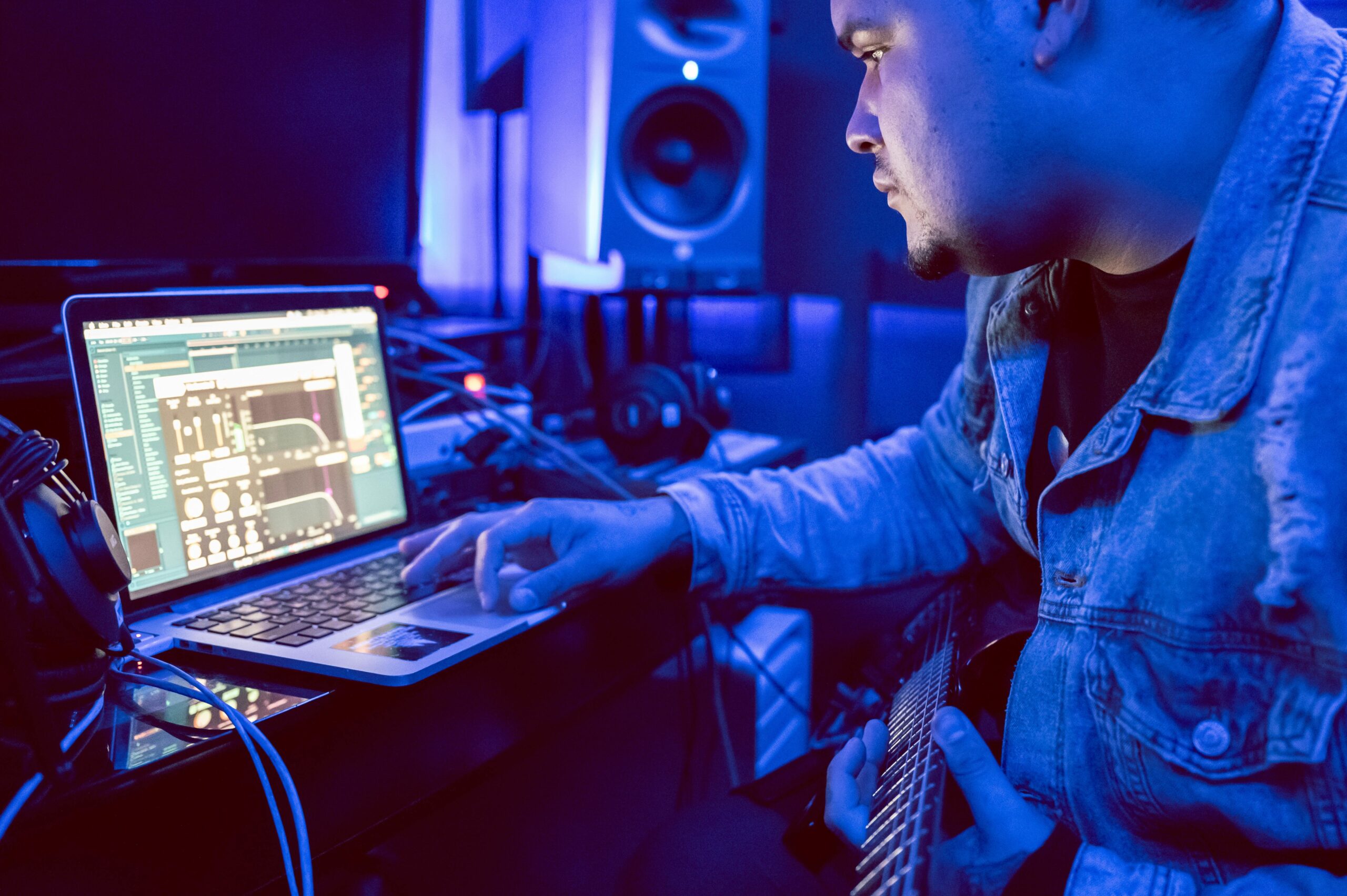
Digital Audio Workstations for Android Phones: Top 5 Mobile DAWs
Looking for the best digital audio workstations for Android phones? Mobile DAWs (Digital Audio Workstations) have transformed music production, giving musicians the ability to record, edit, and produce professional-quality tracks right from their smartphones. Whether you’re a beginner experimenting with beats or a professional artist on tour, Android DAWs provide the tools to make music anywhere. In this article, we’ll break down what a DAW is, why mobile DAWs matter, the key features to look for, and review the top 5 digital audio workstations for Android phones with detailed insights. What is a DAW (Digital Audio Workstation)? A digital audio workstation (DAW) is a music production software that enables you to: Compose and arrange music using instruments, loops, or samples. Record audio and MIDI tracks from microphones, instruments, or controllers. Mix multiple tracks with effects, EQ, compression, and automation. Edit and fine-tune performances using cut, copy, time-stretch, and quantization tools. Master your final track to achieve professional sound quality. Traditionally, DAWs like Pro Tools, Logic Pro, or Ableton Live required a desktop computer. But thanks to advances in mobile technology, digital audio workstations for Android phones now provide similar features in your pocket. Why Choose Digital Audio Workstations for Android Phones? Switching to mobile DAWs offers several benefits: Portability and convenienceYour entire studio fits in your pocket—no need for bulky computers or recording setups. AffordabilityMany DAWs for Android offer free or budget-friendly versions with powerful features, making music production accessible to all. Great for learning and experimentingBeginners can learn beat-making and basic production, while pros can sketch ideas on the go. Professional resultsWith external gear like…