
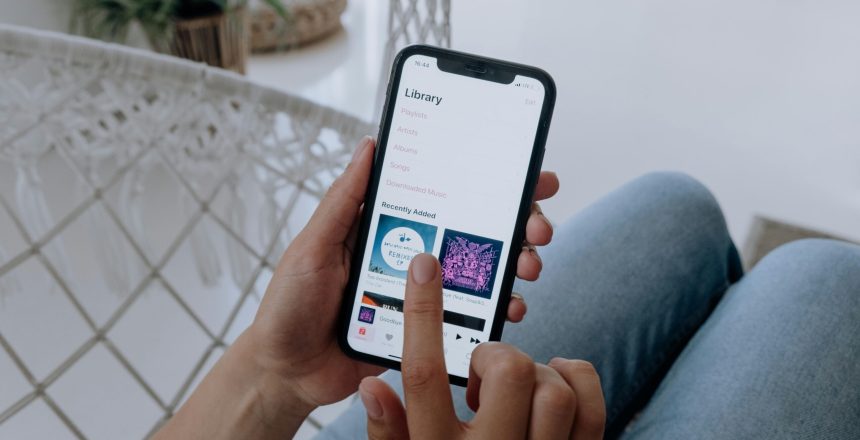
In today’s streaming era, knowing how to promote music on Apple Music can give artists a major advantage. Apple Music, unlike its predecessor iTunes, operates on a subscription model where listeners pay a monthly fee for unlimited access. While you can still sell your songs on iTunes, Apple Music offers a broader platform for global reach and fan engagement — making it essential for any artist serious about growing their career.
Below, you’ll find detailed steps and strategies to promote your music on Apple Music effectively using free built-in tools and creative marketing ideas.
1. Verify Your Apple Music for Artists Profile
Before you start to promote music on Apple Music, the first step is verifying your Apple Music for Artists profile. Verification gives you control over your artist page, lets you view analytics, and helps fans recognize your official account.
Steps to Verify Your Artist Profile:
- Go to Apple Music For Artists.
- Click “Request Artist Access.”
- Paste your iTunes Store artist link into the text box.
- Select your artist name and complete the verification process.
Once verified, you’ll unlock powerful data insights like streams, listeners, demographics, and playlist placements — all of which can guide your promotional strategy.
2. Share Track Preview Tweets for Instant Exposure
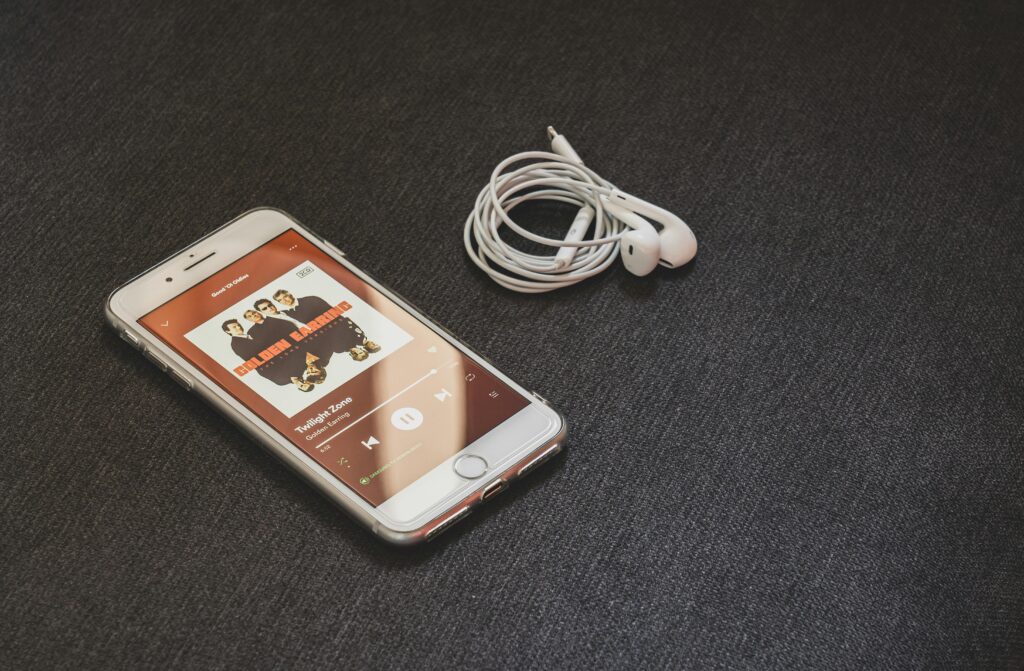
One of Apple Music’s most underrated features is the track preview tweet, which lets you post a 30-second snippet of your song directly on X (Twitter). This interactive card includes your cover art and a direct link to stream the track on Apple Music.
Why It Works:
- Creates excitement and curiosity before full release.
- Drives organic engagement and shares on social media.
- Connects Twitter audiences directly to Apple Music.
Pro Tip: Track preview tweets only work for individual songs (not albums or playlists). Use them for singles, teasers, or remixes to maximize reach.
3. Use Apple Music Badges and Icons in Marketing
Apple Music provides official badges and icons in 42 languages to help artists build brand consistency across the web. You can use these on your website, EPK, press photos, or social media posts to drive traffic straight to your Apple Music profile.
How to Create and Use Apple Music Badges:
- Visit Apple Music Marketing Tools.
- Search for your song or album.
- Add your affiliate token if you have one.
- Scroll to “Badges and Lockups.”
- Choose your preferred color and language.
- Click Download to save or Copy Embed to link directly.
Before using official graphics, review Apple’s Identity Guidelines to stay compliant.
Badges and icons not only make your brand look professional but also help promote music on Apple Music across all platforms in a consistent, clickable format.
4. Embed an Apple Music Player on Your Website
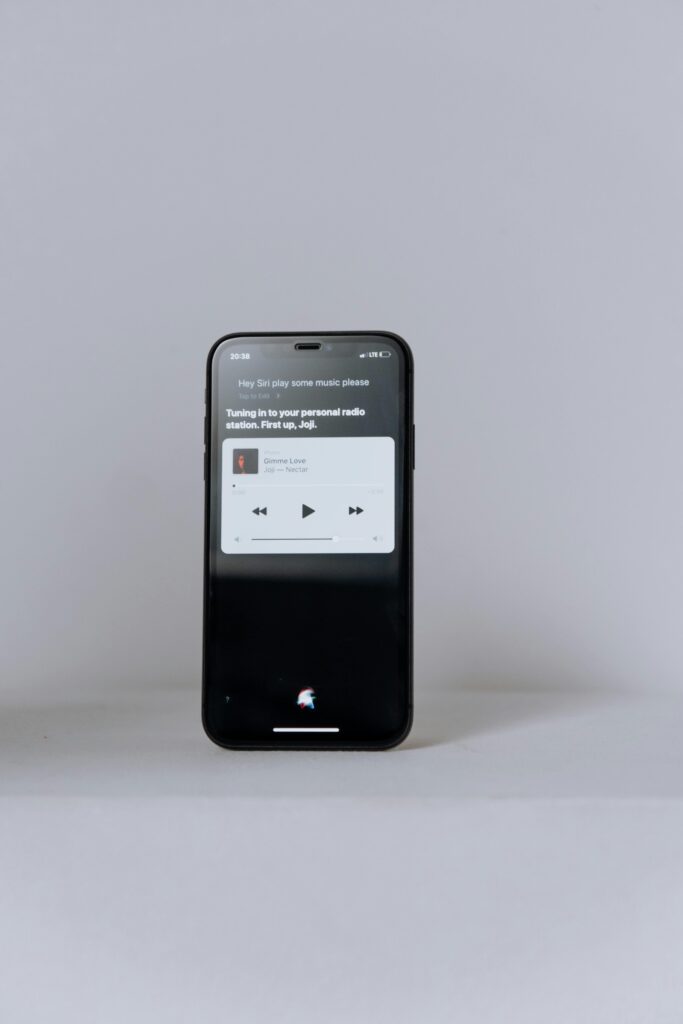
An embedded Apple Music player lets visitors listen to previews or full tracks without leaving your site. This is a powerful way to keep fans engaged while boosting your Apple Music streams.
How to Create an Embedded Player:
- Open Apple Music Marketing Tools.
- Search for your song, album, or playlist.
- Add your affiliate token if applicable.
- Scroll to “Preview Player.”
- Customize height and width.
- Click Copy Embed and paste the code on your website.
Even non-subscribers can enjoy a 30-second preview, while Apple Music users can stream the entire track — giving you an opportunity to promote your music on Apple Music directly through your site.
5. Create Smart Links to Your Apple Music Releases
Links are one of the simplest and most effective ways to drive traffic to your music. Apple Music allows you to create smart links that automatically open in the Apple Music app on any device. You can even shorten them for use in email campaigns or social media bios.
How to Generate Music Links:
- Go to Apple Music Marketing Tools.
- Search for your track, album, or playlist.
- Add your affiliate token if needed.
- Scroll to “Content Link.”
- Click Copy Link or Generate Short Link for easier sharing.
These links make it seamless for fans to find and stream your tracks instantly, improving accessibility and conversion rates.
Final Thoughts: Why Apple Music Promotion Matters
Learning how to promote music on Apple Music is essential for artists who want to maximize their streaming presence. The platform’s integration with social media, powerful analytics, and branding tools make it a must-use hub for independent and signed musicians alike.
By verifying your profile, sharing track previews, embedding players, and using Apple Music’s marketing tools, you’ll create multiple touchpoints for listeners — ultimately helping your fanbase grow faster and more organically.
FAQ: Promoting Music on Apple Music
1. Is Apple Music better than Spotify for promotion?
Both platforms are valuable, but Apple Music users tend to spend more per listener. It’s worth promoting your music on both for maximum exposure.
2. Can I promote music on Apple Music for free?
Yes! Apple’s built-in tools like badges, links, and embedded players are completely free to use.
3. How do I get more Apple Music streams?
Optimize your artist profile, use social media to drive traffic, pitch to playlists, and share smart links with your audience regularly.
4. Does Apple Music have advertising options?
Yes — you can use Apple Search Ads or third-party distributors that partner with Apple Music to promote your tracks directly within the app.